Exercise · 7 steps · about 10 minutes
Database indexes: try it yourself
You run the same query on 10 million orders, first without an index, then with one.
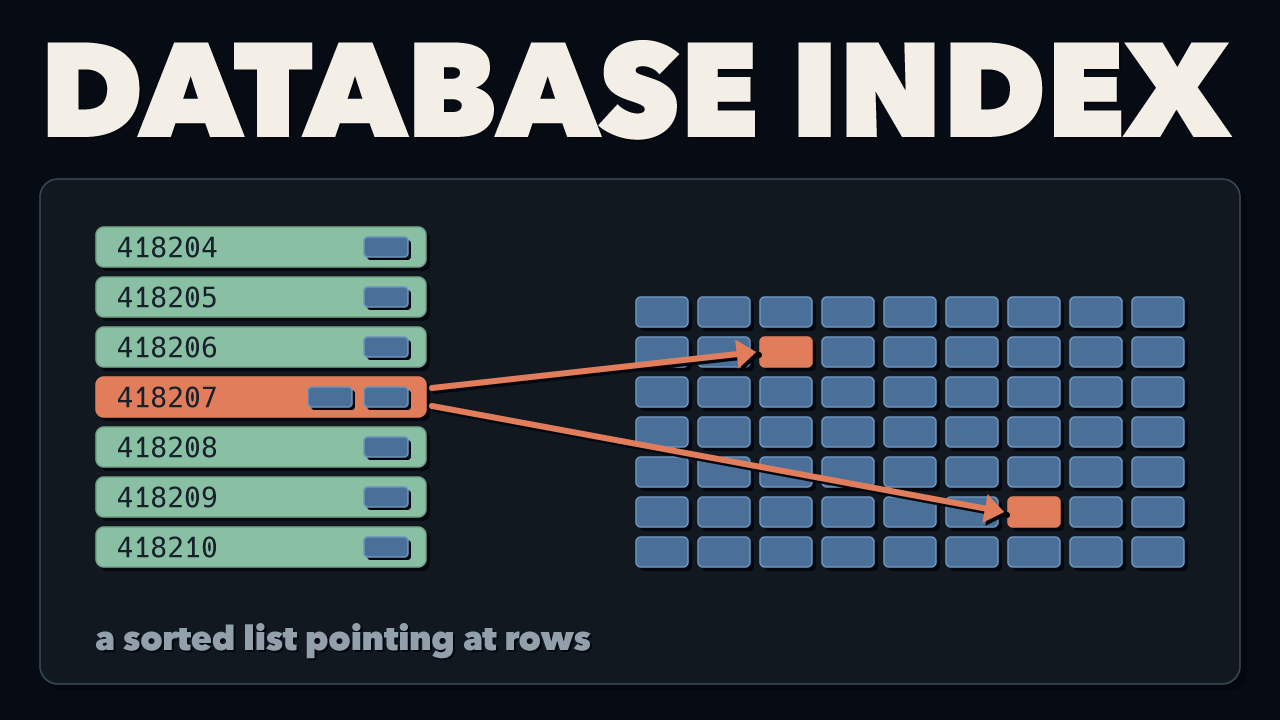
The exercise for my video How Database Indexes Actually Work
You need Git, Docker with Compose (start Docker Desktop first) and about 5 GB of free disk space.
1. Start PostgreSQL
git clone --depth 1 --branch main https://github.com/antonputra/tutorials.git
cd tutorials/lessons/282
docker compose up -d --wait
The first start takes a minute or two to download PostgreSQL and create 10 million orders. It shows Waiting until they're ready.
2. Connect
Turn on timing, and keep long output on the screen:
3. Without an index
The "Order history" page runs this query to show a customer's latest orders:
SELECT id, created_at, status, total
FROM orders
WHERE customer_id = 418207
ORDER BY created_at DESC
LIMIT 20;
You get 2 orders in about 100 ms. Now ask PostgreSQL how it found them:
EXPLAIN (ANALYZE, BUFFERS)
SELECT id, created_at, status, total
FROM orders
WHERE customer_id = 418207
ORDER BY created_at DESC
LIMIT 20;
Parallel Seq Scan means it read the whole table. Add hit and read on the Buffers line under it, and you get 123,457 pages.
4. Create the index
5. With the index
Run the SELECT from step 3 again, then run the EXPLAIN twice.
The query now takes less than a millisecond. The second EXPLAIN shows Index Scan and Buffers: shared hit=5. That's 5 pages instead of 123,457. (The first run after creating the index also reads the index's header page and a few catalog pages, so it shows a few more.)
6. Optional: 50 customers at once
Type \q to leave psql. Then simulate 50 customers opening "Order history" for 20 seconds:
latency average is under 1 ms. Now drop the index and run it again:
docker compose exec db psql -U postgres -d store -c "DROP INDEX orders_customer_id_idx"
docker compose exec db pgbench -U postgres -n -c 50 -j 4 -T 20 -f /lab/order_history.sql store
Now latency average is about 1,700 ms, or 1.7 seconds.
7. Clean up
Then you can delete the tutorials folder.
Results
| time | pages read | |
|---|---|---|
| one query, without the index | ~100 ms | 123,457 |
| one query, with the index | < 1 ms | 5 |
| 50 at once, without the index | ~1,700 ms each | 123,457 each |
| 50 at once, with the index | < 1 ms each | 5 each |
The ~100 ms is one query on its own. With 50 customers at once, they all share the same CPU cores, so each one waits about 1.7 seconds. With the index, each query reads 5 pages, so it stays under a millisecond.
Times are from my Mac, so yours will be different. The page counts should match.
Free. Unsubscribe anytime. Form not loading? Subscribe here.